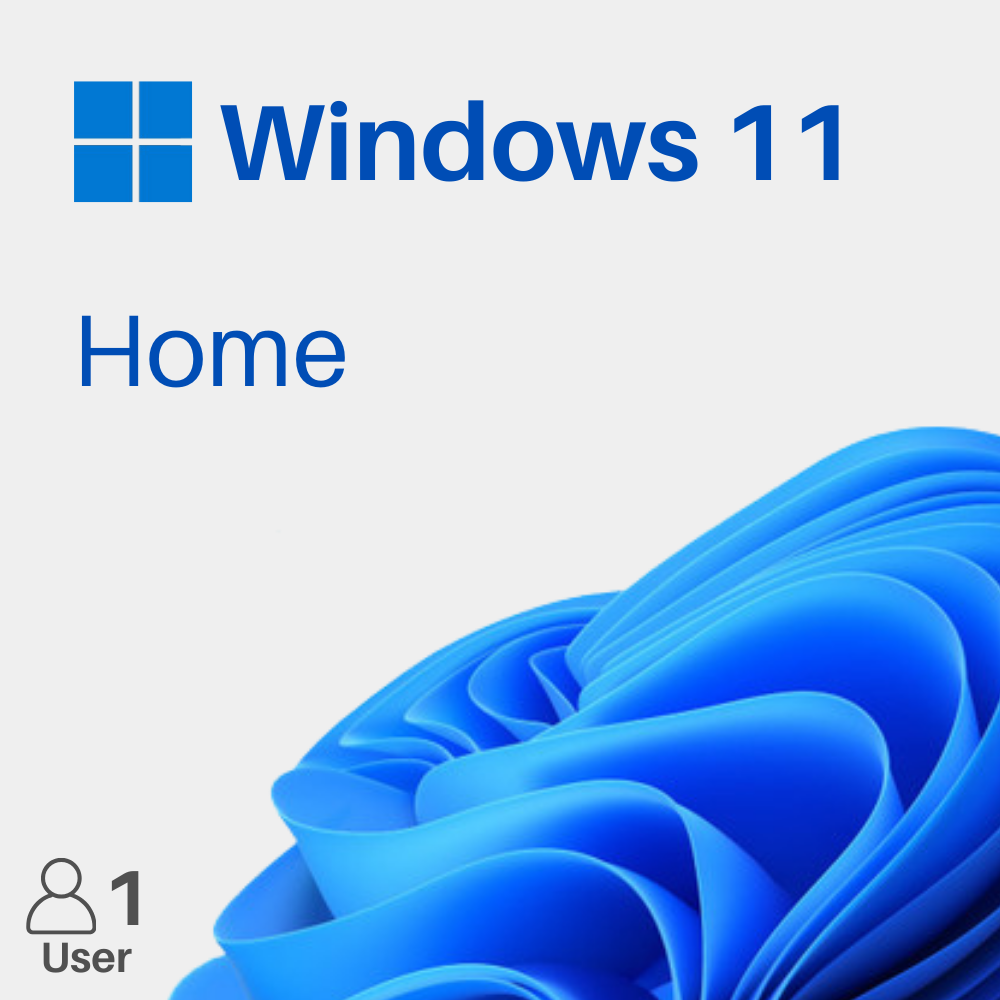
Enhance your productivity with the Office 2024 Pro Plus and Windows 11 Home bundle. Ideal for students, professionals, and everyday users, this package combines powerful Office applications with a modern and user-friendly operating system.

“MyCodes customer service is awesome — they truly stand by their products. When Microsoft knocked off my Office, one email and within 30 minutes David provided a new key & it worked. Excellent customer service!”
“I'm a senior and not very techy. The download was easy; a window appeared that wasn't in the instructions, I emailed them and they responded immediately. After that fix, the rest was easy. Great to work with.”
“I purchased Microsoft Office 365 recently and had difficulties installing it on my laptop — I was frustrated. I contacted the tech support team and they helped me through the whole installation with step-by-step instructions. It was extremely helpful.”
“For a $9 Microsoft Professional 2019, they went out of their way to help (David). They're now my go-to source for anything I need. Thanks so much!”
“The product was exactly as described. Download and installation was no issue, and my question was answered promptly. This is my second Office purchase through them — each transaction was flawless. Will buy again.”
“I wasn't able to activate my product after receiving it, but the support team worked with me through all the troubles and got my product working. Thank you!”
“I got an excellent price for my Groupon and the MyCodes support folks were super helpful!”
“Super fast customer support — fixed my problem within minutes.”
“Excellent experience! Fast delivery, amazing customer service.”
“Trustworthy website and very responsive. I have nothing but great things to say — extremely pleased with their professionalism and easy-to-follow instructions. Thanks, guys!”
★TrustpilotSee reviews ›Details:
• Genuine product keys with official download links
• Lifetime access for Office 2024 Pro Plus and Windows 11 Home
• Fully compatible with Windows PCs and laptops
• Includes essential Office applications for productivity and daily tasks
• One-time activation for one user on one device
In Stock - Limited stock available
$249.99 Original price was: $249.99.$34.99Current price is: $34.99. SAVE 86%
“MyCodes customer service is awesome — they truly stand by their products. When Microsoft knocked off my Office, one email and within 30 minutes David provided a new key & it worked. Excellent customer service!”
“I'm a senior and not very techy. The download was easy; a window appeared that wasn't in the instructions, I emailed them and they responded immediately. After that fix, the rest was easy. Great to work with.”
“I purchased Microsoft Office 365 recently and had difficulties installing it on my laptop — I was frustrated. I contacted the tech support team and they helped me through the whole installation with step-by-step instructions. It was extremely helpful.”
“For a $9 Microsoft Professional 2019, they went out of their way to help (David). They're now my go-to source for anything I need. Thanks so much!”
“The product was exactly as described. Download and installation was no issue, and my question was answered promptly. This is my second Office purchase through them — each transaction was flawless. Will buy again.”
“I wasn't able to activate my product after receiving it, but the support team worked with me through all the troubles and got my product working. Thank you!”
“I got an excellent price for my Groupon and the MyCodes support folks were super helpful!”
“Super fast customer support — fixed my problem within minutes.”
“Excellent experience! Fast delivery, amazing customer service.”
“Trustworthy website and very responsive. I have nothing but great things to say — extremely pleased with their professionalism and easy-to-follow instructions. Thanks, guys!”
Details:
• Genuine product keys with official download links
• Lifetime access for Office 2024 Pro Plus and Windows 11 Home
• Fully compatible with Windows PCs and laptops
• Includes essential Office applications for productivity and daily tasks
• One-time activation for one user on one device
In Stock - Limited stock available
$249.99 Original price was: $249.99.$34.99Current price is: $34.99. SAVE 86%
Enhance your productivity with the Office 2024 Pro Plus and Windows 11 Home bundle. Ideal for students, professionals, and everyday users, this package combines powerful Office applications with a modern and user-friendly operating system.

Processor: 1 GHz or faster with at least 2 cores on a compatible 64-bit processor or system on a chip (SoC)
RAM: 4 GB or more
Storage: 64 GB or larger storage device
Graphics Card: DirectX 12 compatible graphics with WDDM 2.0 driver
Display: High-definition (720p) display that is greater than 9 inches diagonally, 8 bits per color channel
System Firmware: UEFI, Secure Boot capable
TPM: Trusted Platform Module (TPM) version 2.0
Internet: Internet connection and Microsoft account required for setup and updates.
Processor: 1.1 GHz or faster, dual-core processor
RAM: 4 GB or more
Storage: 4 GB available disk space
Graphics Card: DirectX 9 or later with WDDM 1.3 driver
Display: 1280 × 768 resolution or higher
Operating System: Windows 10 or Windows 11
Internet: Required for activation and updates
1. Open Settings & Check Updates
Click the Windows logo → open Settings → go to Windows Update and click Check for updates. Install any available updates.
2. Go to Activation Settings
In Settings, navigate to System → Activation.
3. Enter Your Product Key
Click Change Product Key, enter your Windows 11 Pro product key, and select Next.
4. Complete Activation
Follow the prompts to finish activation. Once done, your Windows will be successfully activated.
Windows 11 Download Link:
https://www.microsoft.com/software-download/windows11
1. Receive Your Product Details
After your purchase, you will receive an official Microsoft download link, your product key, and step-by-step activation instructions.
2. Download and Install Office
Use the provided download link to download and install Microsoft Office 2024 Pro Plus. Follow the on-screen instructions to complete the installation process.
3. Open an Office Application
Launch Microsoft Word, Excel, PowerPoint, or any Office application after installation.
4. Activate Your Product
When prompted, enter the product key provided with your purchase and follow the on-screen instructions to complete activation.
5. Complete Activation
Once activation is successful, Microsoft Office 2024 Pro Plus will be ready to use and all included applications will be fully accessible.
Processor: 1 GHz or faster with at least 2 cores on a compatible 64-bit processor or system on a chip (SoC)
RAM: 4 GB or more
Storage: 64 GB or larger storage device
Graphics Card: DirectX 12 compatible graphics with WDDM 2.0 driver
Display: High-definition (720p) display that is greater than 9 inches diagonally, 8 bits per color channel
System Firmware: UEFI, Secure Boot capable
TPM: Trusted Platform Module (TPM) version 2.0
Internet: Internet connection and Microsoft account required for setup and updates.
Processor: 1.1 GHz or faster, dual-core processor
RAM: 4 GB or more
Storage: 4 GB available disk space
Graphics Card: DirectX 9 or later with WDDM 1.3 driver
Display: 1280 × 768 resolution or higher
Operating System: Windows 10 or Windows 11
Internet: Required for activation and updates
1. Open Settings & Check Updates
Click the Windows logo → open Settings → go to Windows Update and click Check for updates. Install any available updates.
2. Go to Activation Settings
In Settings, navigate to System → Activation.
3. Enter Your Product Key
Click Change Product Key, enter your Windows 11 Pro product key, and select Next.
4. Complete Activation
Follow the prompts to finish activation. Once done, your Windows will be successfully activated.
Windows 11 Download Link:
https://www.microsoft.com/software-download/windows11
1. Receive Your Product Details
After your purchase, you will receive an official Microsoft download link, your product key, and step-by-step activation instructions.
2. Download and Install Office
Use the provided download link to download and install Microsoft Office 2024 Pro Plus. Follow the on-screen instructions to complete the installation process.
3. Open an Office Application
Launch Microsoft Word, Excel, PowerPoint, or any Office application after installation.
4. Activate Your Product
When prompted, enter the product key provided with your purchase and follow the on-screen instructions to complete activation.
5. Complete Activation
Once activation is successful, Microsoft Office 2024 Pro Plus will be ready to use and all included applications will be fully accessible.
From payment to activated software in four simple steps.
Pick your software and check out securely — SSL-encrypted, in under a minute.
Your genuine key lands in your inbox within seconds — with clear, step-by-step setup instructions.
Download and install in minutes, following the simple guide included with your key.
Enter your key, hit activate, and your software is yours to keep — for good.
| What matters | MyCodes24 | Others |
|---|---|---|
Guaranteed authentic software 100% genuine keys that activate directly with the official vendor. |
||
Instant digital delivery Your key arrives by email minutes after payment — nothing to ship. |
||
24/7 expert customer support Real people ready to help before and after your purchase, any time. |
||
Hassle-free money-back guarantee If a key ever fails, we replace it or refund you — no questions asked. |
||
Transparent, all-in pricing The price you see is the price you pay — no hidden fees at checkout. |
||
Secure & encrypted payments SSL-encrypted checkout with Visa, Mastercard, PayPal and Apple Pay. |
"MyCodes customer service is awesome — they truly stand by their products. When Microsoft knocked off my Office, one email and within 30 minutes David provided a new key & it worked. Excellent customer service!"
"Bought the Office 365 Personal one-year subscription and saved about 20% vs the MS renewal price. Hit a small glitch but it was sorted in no time — prompt, polite and very helpful service. Thank you, Mycodes24."
"I'm a senior and not very techy. The download was easy; a window appeared that wasn't in the instructions, I emailed them and they responded immediately. After that fix, the rest was easy. Great to work with."
"Happy with my Office 2024 purchase — the big drawcard being their incredibly good price. The download & install was painless and picked up all my previous settings. Support got back to me straight away. A great relief!"
"The product was exactly as described. Download and installation was no issue, and my question was answered promptly. This is my second Office purchase through them — each transaction was flawless. Will buy again."
"Trustworthy website and very responsive. I have nothing but great things to say — extremely pleased with their professionalism and easy-to-follow instructions. Thanks, guys!"
Hand-picked product keys our customers buy the most.
Everything below comes as standard, on every order.
Your key hits your inbox within minutes of payment — 24/7, even at 3 a.m.
Official, legally-sourced product keys that activate directly with Microsoft, Norton & more.
SSL-encrypted checkout: Visa, Mastercard, PayPal, Apple Pay.
Real people, ready to help before and after you buy — no bots, no scripts.
Buy your product securely in our shop with SSL-encrypted checkout at competitive prices.
You will receive your activation key along with clear installation instructions via email.
Download and install the software by following the step-by-step instructions provided.
Enter the product key to activate the software — and you’re all set.
Get your keys within seconds after paying.
Get FREE Support on all orders of keys purchased from us.
Your payments are secure with our private security network.

Guaranteed Authentic Software
Every product key is officially sourced and fully verified before delivery, ensuring safe and legitimate activation every time.
Instant Digital Delivery
Your product key is sent automatically to your email immediately after checkout — no waiting, no manual approval.
24/7 Expert Customer Support
Our trained support team is available around the clock to assist with installation, activation, and any issues.
Hassle-Free Money-Back Guarantee
If a key doesn’t work or isn’t compatible, you’ll receive a fast replacement or full refund.
Transparent All-In Pricing
What you see is what you pay — no hidden fees, no unexpected charges at checkout.
Secure & Encrypted Payments
All transactions are protected with advanced SSL encryption and trusted global payment gateways.
Trusted & Verified Store
Thousands of verified customer reviews confirm our reliability, speed, and customer satisfaction.
Hand-picked product keys our customers buy the most.
We offer volume based discounts and deliver our products digitally. This allows us to deliver your product at a price lower than the retail value.
Yes, all of our codes / keys are 100% authentic.
Most of our orders arrive within a few minutes. Delivery may take a bit longer if you’ve been asked to confirm your order.
All of our digital product (software keys) orders are shipped digitally worldwide. For hardware orders they will be shipped within the USA.
We will send you your key within 30 minutes after purchase.
No, there are no subscription fees for any of our product keys. All of our Windows or Office keys are activated once and will require no monthly fees.
Yes, you can redeem your product key at any time. But we recommend to redeem/activate your key sooner than later.
Please visit our Help Center for detailed tutorials and guides on how to activate your key. If you are still facing problems, then our support will surely help you out!
Subscribe to receive exclusive offers, new releases, and members-only prices straight to your inbox.